


UDS Migration Calculator
Do you want to calculate Dynamics 365 migration cost? Get a fixed price estimation for your Dynamics 365 migration budget.

3 Main Problems the Dynamics 365 Migration Tool Solves

Dynamics 365 migration cost estimation

Dynamics 365 migration complexity review

Dynamics 365 migration project planning
What the Migration Calculator Is
The UDS Migration Calculator is a free add-on for Dynamics 365 that runs directly within your own CRM environment. It analyses your actual data and configuration to provide an estimated migration cost.
It is designed for companies running Microsoft Dynamics CRM 2015, 2016, or Dynamics 365 on-premises that are considering a move to Dynamics 365 online. It can also run in an online environment for tenant-to-tenant migrations or when you need a detailed data profile of your system.
See more detailed information in our blog article "How Much Will Your Dynamics 365 Migration Cost?"
The Benefits




How the UDS Migration Calculator Works
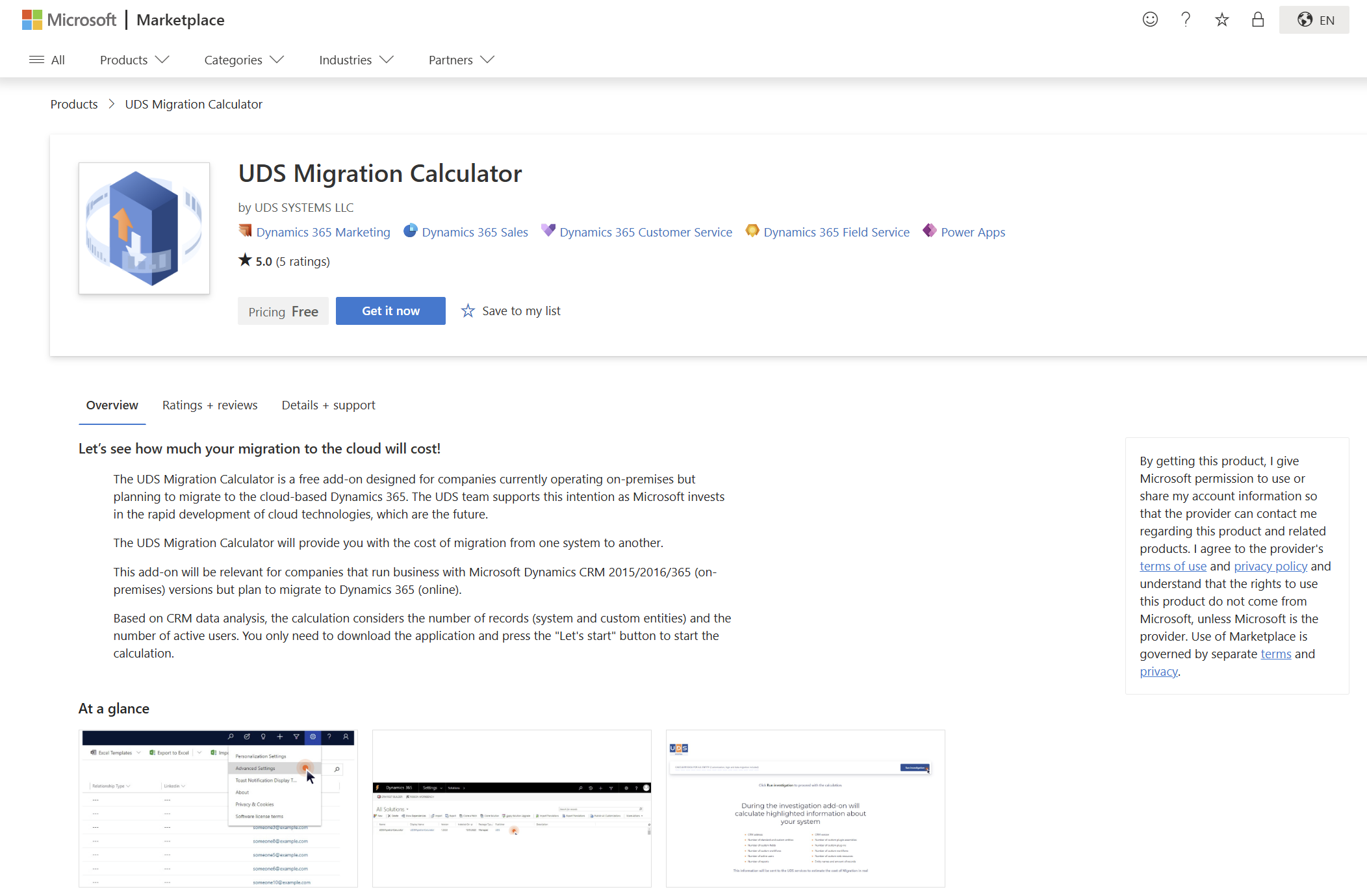
Based on CRM data analysis, the calculation considers the number of records (system and custom entities) and the number of active users. You only need to download the application and press the "Let's start" button to start the calculation.
Your data remains in your environment. The app only sends aggregated metrics such as table names, record counts, customization counts, and user counts. It does not transmit record content, customer information, or individual field values. Before anything starts, the app shows you exactly what information will leave your environment.
The process is also fully visible while it runs. The tables are analyzed one at a time, with a progress bar showing how far along the process is. A live results grid updates as each table is completed, showing its display name, system name, and record count.
For larger systems, the analysis may take up to 10 minutes. The app tells you this before you begin, so there are no surprises: you can start the process, monitor its progress if you want, and get on with other work while it completes.
Are you Ready to Get Started?
Proceed to our official AppSource/Microsoft Marketplace page and try the UDS Migration Calculator add-on for free.

UDS Migration Calculator:
-
Compatible: MS Dynamics CRM 2015/2016/on-premises
-
A free trial (Contact us for more detailed calculations or customization requests)
-
The cost is calculated approximately. The price does not include cloud storage rentals, licenses, and customization. To get more detailed information on prices, contact our Microsoft consultant.
-
Last updated: 2026
Migration Assessment

A successful Dynamics 365 migration starts with a clear understanding of your current environment. A migration assessment helps determine migration readiness, identify technical requirements, evaluate data, and understand the overall complexity of the project.
Our assessment can cover:
- Migration readiness and cloud readiness
- Technical assessment of the existing CRM environment
- Data assessment, including data structure and data quality
- Complexity assessment based on customizations, integrations, business processes, and system dependencies
- Identification of potential migration risks and dependencies
- Recommendations for migration strategy and planning
- The exact migration cost
What Affects Dynamics 365 Migration Cost
Common Factors
The total cost of a Dynamics 365 migration depends on the size and complexity of the existing environment. The important cost factors may include:
- Number of records and entities
- Database size
- Data quality and the amount of data cleansing required
- Data transformation requirements
- Number and complexity of customizations
- Custom code and business logic
- Integrations with external systems
- Reports and dashboards
- Workflows and automated business processes
- Number of users and business units
- Migration strategy and project complexity
These factors can help establish a realistic migration budget and identify the areas where additional effort may be required.

Customizations and Integrations
The existing customizations and integrations can significantly affect the effort required to migrate to Dynamics 365. Identifying these components before migration helps determine the required technical effort and supports more accurate project planning.
It includes the following:
- Custom code and business logic
- Custom entities and fields
- Integrations with external applications
- APIs and connected systems
- Custom advanced dashboards
- Workflows and automation
- Plugins and custom components
- Dependencies between applications and business processes

TCO and Licensing
Besides, budget planning should consider the total cost of ownership and the detailed Microsoft licensing policy, not just the initial migration cost.
A broader business case can compare:
- Current on-premises operating costs
- Cloud migration costs
- Infrastructure and maintenance costs
- Licensing costs
- Migration and implementation costs
- Ongoing support and administration costs
- Expected migration savings
- ROI

UDS Migration Services
We have extensive experience delivering complex migrations and recovering from the clients’ previous failed migrations.
Our approach enables a controlled, phased transition, covering data cleansing, and workflow optimization.
Our range of services includes the following:

Cloud Migration Assessment (comprehensive migration audit)

Dynamics 365 Migration Strategy (with roadmap development)

Data and Business Process Transformation (with data cleansing)

Data Migration and Testing (system, application, platform, tenant, infrastructure, database, or storage migration)

Cloud-managed Services (for post-migration support, monitoring, maintenance, and optimization)

Adoption and Change Management (for further team adoption to new cloud solutions and processes)
Frequently Asked Questions
Data migration refers to the process of transferring data from on-premises systems to cloud-based storage. This approach presents significant opportunities to integrate systems into a more flexible and efficient infrastructure. Compared to on-premises storage, cloud storage offers several advantages, such as reducing hardware and software costs, increasing scalability, providing availability of a wide range of cloud services, and enhancing data protection and security. Additionally, cloud storage provides office mobility, allowing businesses to access data from anywhere with an internet connection.
Data migration to the cloud presents an opportunity for businesses to modernize their infrastructure and leverage the benefits of cloud technology.
The calculator analyses your Dynamics 365 environment, including the number of records, entities, customizations, and active users. Based on these metrics, it provides an estimated migration cost. The estimate is approximate and does not include cloud storage, licenses, or customization costs.
No. The calculator runs within your own CRM environment and does not transmit record content, customer information, or individual field values. It only sends aggregated metrics, such as table names, record counts, customization counts, and user counts. Before the analysis starts, you can review exactly what information will leave your environment.
The analysis is typically completed within a few minutes. For larger Dynamics 365 environments, it can take up to 10 minutes. You can monitor the progress while the calculator analyses your tables, and the results are displayed on screen when the process is complete.
The main Dynamics 365 migration challenges are estimating the migration cost, assessing migration complexity and feasibility, and planning the migration project. The UDS Migration Calculator helps address these challenges by analysing your actual Dynamics 365 environment and providing a preliminary cost estimate, system assessment, and data to support migration planning.
Different source platforms can require different migration approaches. Depending on the source and target environment, migration planning may include scenarios such as:
- Dynamics CRM to Dynamics 365
- Microsoft Dynamics AX to Dynamics 365 Finance & Operations
- Microsoft Dynamics NAV to Business Central
- Microsoft Dynamics GP to Dynamics 365 or Business Central
- Salesforce to Dynamics 365
- Dynamics 365 on-premises to Dynamics 365 online
- Dynamics 365 tenant-to-tenant migration
Each migration scenario can have different data, customization, integration, licensing, and transformation requirements.
A well-planned migration can provide savings beyond the initial project cost. The potential benefits may include:
- Reduced infrastructure and maintenance costs
- Lower administration effort
- Reduced system management overhead
- Time savings for IT and business teams
- Improved operational efficiency
- Reduced technical debt
- Easier access to cloud capabilities and updates
- Improved scalability
These benefits can be included in the overall migration business case when evaluating the potential return on investment.
How to Get More Information
If you have questions about migration costs or need advice on the migration process, please book a call or fill out and submit the form for a free consultation.
or