





A Short Reference About the Author
Mariia is an experienced Dynamics 365 Developer with a wide range of technical skills and knowledge in secure customization and process automation, well-acquainted with Power Automate and Azure capabilities.
Introduction
In the Dynamics 365 and Power Platform ecosystem, "process automation" is not a single tool but a spectrum of capabilities. Using a simple Business Rule for a task that needs a plug-in will lead to frustration, while writing a plug-in for something Power Automate can handle is a waste of development resources.
This article breaks down the automation landscape into two main categories, Low-Code and Pro-Code, to help you decide which approach is right for your task.
The Low-Code Toolbox
Low-code tools are declarative, configured through a graphical interface, and designed to solve common business problems quickly. They are often the first choice when automating processes in Dynamics 365, especially in sales, service, and operations.
Business Rules
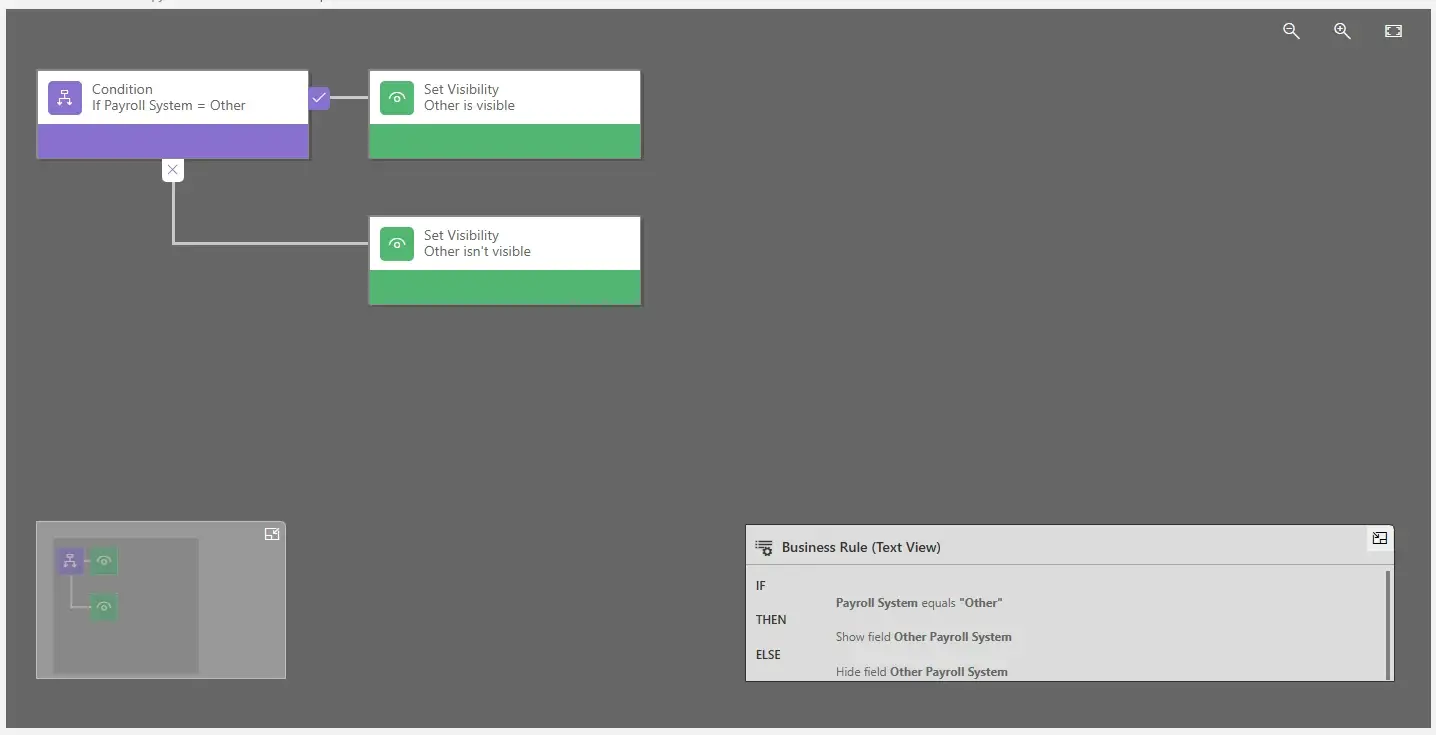
They are simple, real-time logic that runs on the user's form or on the server, used to enforce form-level data quality. Common scenarios include the following: show/hide fields, enable/disable fields, set a field as mandatory, show error messages, or set a default value based on another field.
Business Process Flows
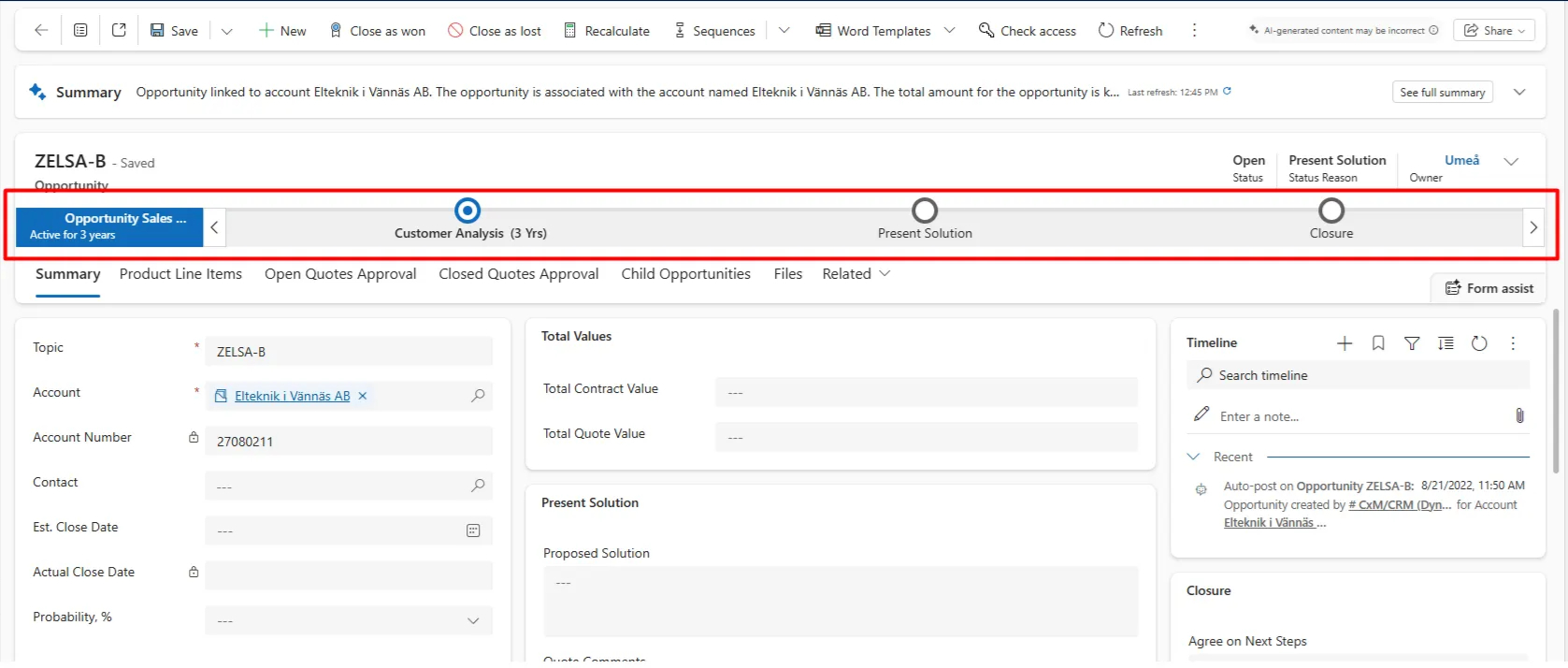
Business Process Flows in Dynamics 365 are a visual guide to steer users through a defined business process, used to standardize a multi-stage process and ensure users follow the required steps.
! Note. This is less about automating work and more about guiding work.
Classic Workflows
Dynamics 365 workflow capabilities are the traditional server-side automation engines in Dynamics 365, used to perform simple server-side actions such as creating or updating a record or sending an email in response to a trigger.
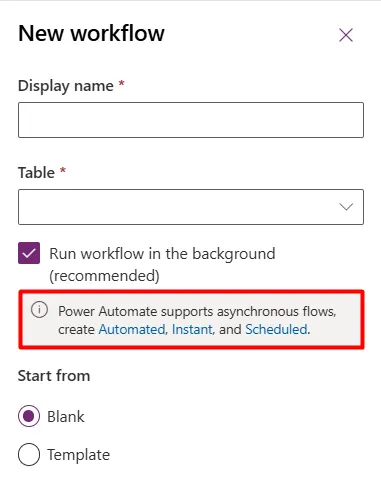
! Note. Background workflows are deprecated. Microsoft has officially stated that Power Automate is the replacement for all background workflow scenarios. While real-time workflows are still functional, all new automation logic should be built in Power Automate whenever possible.
Power Automate
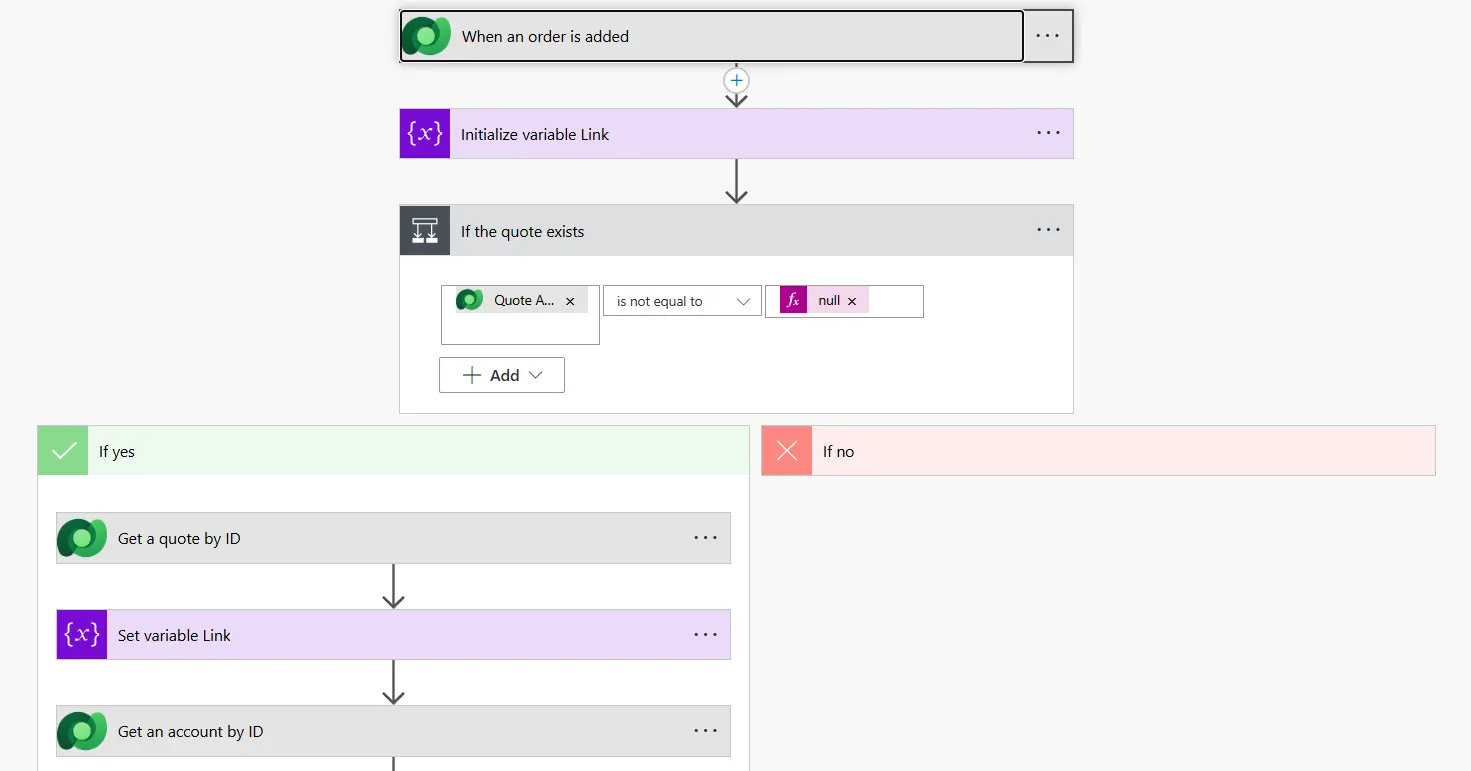
It is a modern, cloud-based automation service. It is the new standard and the successor to classic workflows, used for approvals, scheduled tasks, complex multi-step logic, and, most importantly, integrations with over 1000 connectors (such as SharePoint, Outlook, Teams, Twitter, and external services).
The Pro-Code Toolbox
Pro-code tools offer granular control, high performance, and the ability to handle complex, custom logic that low-code tools cannot.
JavaScript
It is a code that runs directly in the user's browser on a D365 form, used for complex client-side logic that Business Rules cannot handle.
Common scenarios include fetching data from another entity via the Web API, implementing complex validation logic across multiple tabs, or performing custom UI manipulations.
Plug-ins
They are the developer's workhorse. Custom C# code that runs on the D365 server in response to specific events, used for high-performance, synchronous, or transactional server-side logic.
Common scenarios include complex calculations that must run in real time, rolling back changes if an error occurs, or integrating with systems for which no Power Automate connector exists.
Azure Functions
They are pieces of code that run in Azure, outside of the D365 execution pipeline, used for long-running processes, heavy computations, or bulk processing that users do not want to bog down the D365 server.
In common scenarios, a plug-in fires a message to an Azure queue, and an Azure Function picks it up, processes data for 10 minutes, and updates D365 via the API.
Azure Logic Apps
These are the "pro-developer" version of Power Automate, representing an Azure-native service for building enterprise-grade integrations and workflows. They are used for mission-critical, large-scale B2B integrations.
Common scenarios include complex EDI processing, stateful workflows that need to "wait" for days, or advanced management and monitoring in the Azure portal.
How to Pick the Right Automation Approach: a Quick Comparison
Here are detailed comparison tables, evaluating Dynamics 365 automation approaches:
Low-Code Tools: Pros & Cons
| Tool | When to Use | Pros | Cons |
|---|---|---|---|
| Business Rules | Simple form logic (show/hide, validation) | Very easy, fast, no code. Runs client-side for instant user feedback | Rather limited. Not able to query other records |
| BPFs | Routing users through a multi-stage process | Great for UI/UX and standardization | Not true automation. Can be rigid for users |
| Classic Workflows | (Legacy) Simple, synchronous server logic | Simple to build. Can run in real-time (sync) | DEPRECATED (background). Limited logic. No connectors |
| Power Automate | The new default for all automation | Powerful connectors, great for approvals, scheduled flows, modern | Can be slower (async). Licensing (premium connectors) |
Pro-Code Tools: Pros & Cons
| Tool | When to Use | Pros | Cons |
|---|---|---|---|
| JavaScript | Complex form logic (UI, API calls) | Total control over the user experience | Client-side only. Can be broken by MS updates |
| Plug-ins (C#) | High-performance, transactional logic | Fast, reliable (server-side), supports transactions | Requires developer, deployment process, 2-min timeout |
| Azure Functions | Long-running or heavy compute tasks | Run outside D365 (no timeout), scalable, cost-effective | Asynchronous only. Requires Azure knowledge |
| Logic Apps | Enterprise-grade B2B integrations | Extremely robust, better for source control, advanced monitoring | More complex than Power Automate. Azure cost |
Conclusion
The line between low-code and pro-code is blurring, but the decision process can be simplified. Try following these tips:
- Start with Business Rules. If it is too complex, use JavaScript.
- Use a Business Process Flow.
- Start with Power Automate.
- Use a Plug-in.
- Use Power Automate (or Logic Apps for very complex scenarios).
- Offload it to an Azure Function.
Understanding these tools will help you choose the best automation method for Dynamics 365 and build powerful, efficient, and maintainable solutions.